Introduction to SoundSeeder – Synced Music
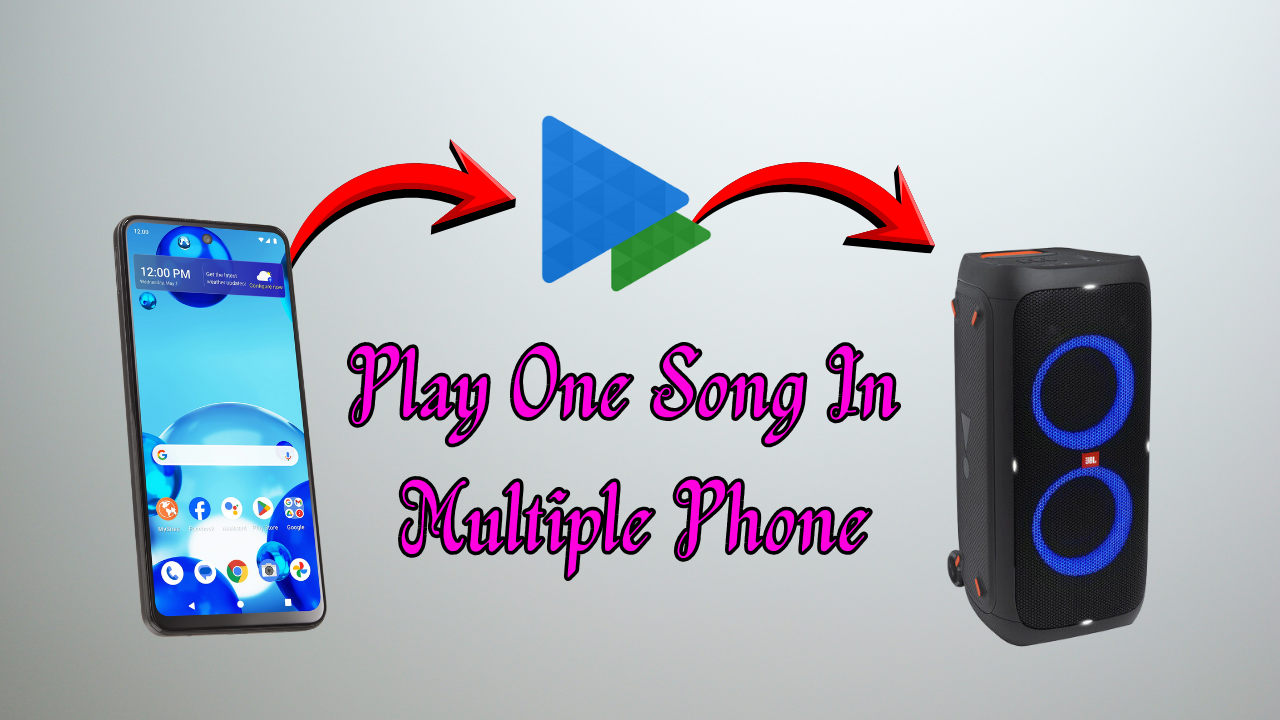
SoundSeeder is a powerful audio streaming application designed to synchronize music playback across multiple devices. It transforms smartphones, tablets, and computers into wireless speakers that play the same track at the same time. With this app, users can create a multi-room sound system without investing in expensive hardware. SoundSeeder is ideal for parties, gatherings, or personal use when you want immersive audio throughout your home.
How SoundSeeder Works
The app uses Wi-Fi technology to connect multiple devices and stream music in real time. Once you install SoundSeeder on different devices, one device becomes the main music player while others act as connected speakers. All connected devices stay synced so the audio plays without delays. This technology ensures that your music experience remains smooth and consistent across all rooms.
Key Features of SoundSeeder
SoundSeeder offers a variety of features that make it stand out. It supports high-quality audio streaming and maintains perfect synchronization between devices. The app allows users to stream music stored in their device’s library or play songs from online radio stations.
Multi-Room Music Experience
One of the biggest advantages of SoundSeeder is its ability to create a multi-room audio environment. You can place your devices in different rooms and stream the same song everywhere. This makes it perfect for homes, events, or office spaces. Instead of walking around with a single speaker, SoundSeeder distributes sound evenly, creating a richer and more engaging listening experience.
Using SoundSeeder at Parties
For parties, SoundSeeder becomes extremely useful. You can sync multiple smartphones and use them as speakers throughout the event area. This helps cover large spaces without needing high-cost sound systems.
Compatibility Across Devices
SoundSeeder works on Android devices and can connect with Windows or Linux systems using the desktop version. This cross-platform support makes it convenient for users with different devices. You can combine old smartphones and tablets as additional speakers, giving new life to unused gadgets.
Online Radio and Streaming Options
The app provides access to thousands of online radio stations. Users can explore different genres, languages, and regions to enjoy varied music streams. These stations can also be played in sync across devices. Whether you prefer news, music, or talk shows, SoundSeeder offers endless streaming possibilities.
Wireless Speaker Mode
SoundSeeder allows your device to function as a wireless speaker for other sources. This means you can stream music from another phone or computer directly to your device. With this feature, even devices that do not support casting can become part of your sound network.
Customization and Control
The app gives full control over playback settings. You can adjust volume levels individually on each device, manage playlists, and change tracks remotely. The interface is simple and user-friendly, making it accessible to beginners while still offering advanced options for tech-savvy users.
Benefits of Using SoundSeeder
SoundSeeder is cost-effective because it uses your existing devices to create a multi-room audio setup. It removes the need for expensive wireless speakers and streaming equipment. The app also ensures high-quality audio without lag, making it reliable for both casual and professional use. Its flexibility and compatibility make it suitable for various environments.
SoundSeeder vs Traditional Speakers
Traditional multi-room speaker systems are often expensive and require specific hardware. SoundSeeder eliminates these limitations by transforming your devices into speakers. While traditional systems may offer better built-in sound quality, the affordability and convenience of SoundSeeder make it an attractive choice for everyday users.
Ideal Use Cases
SoundSeeder works well in homes, offices, outdoor gatherings, and small events. It is also useful for teachers, fitness instructors, and anyone who needs synchronized audio across multiple points. Its portability and flexibility make it a practical choice for various scenarios.
Setup and Installation
Installing SoundSeeder is simple. You download the app from the Play Store on all devices, connect them to the same Wi-Fi network, and choose which device will act as the main player. After linking the devices, your synced music system is ready.