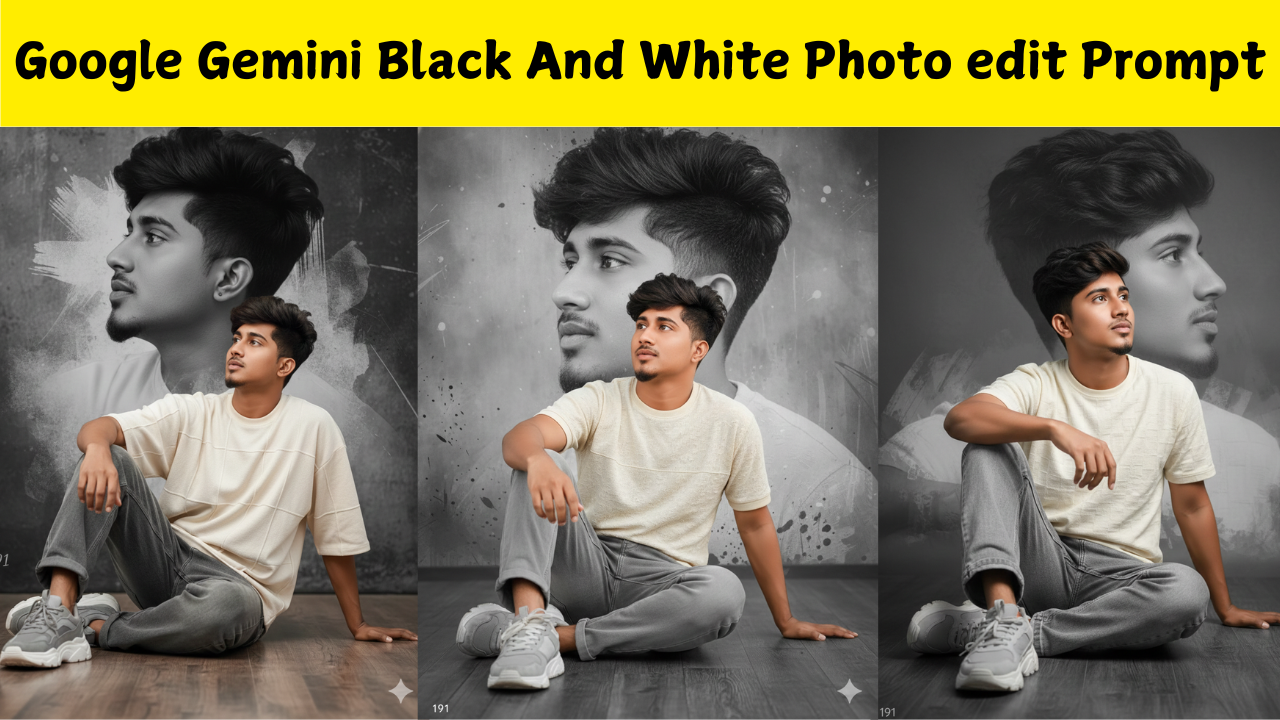
Introduction to Google Gemini Photo Editing
Google Gemini has become one of the most powerful AI tools for creative editing. It can transform ordinary photos into artistic masterpieces through simple text prompts. Among all editing styles, black and white photography remains a timeless favourite because it adds emotion, depth and dramatic contrast. Understanding how to write the perfect prompt for black and white photo editing helps you generate stunning visuals effortlessly.
Why Black and White Editing Is Popular
Black and white photos remove the distraction of colour and highlight the emotions, shapes and textures in the image. This editing style is widely used for portraits, classic photography, fashion shoots and emotional storytelling. When processed through AI, black and white edits can appear sharper, richer and more cinematic than traditional filters. Google Gemini works on prompt-based instructions. When a user gives a command describing the final look of the image, the AI adjusts lighting, shadows, clarity and tones to match the request. The more detailed the prompt, the more accurate and artistic the output becomes. If the user specifies contrast levels, grain texture or mood, Gemini produces a more refined black and white result.
Creating the Perfect Black and White Edit Prompt
A good prompt clearly explains the desired mood, brightness, shadows and texture. For example, a dramatic portrait requires deeper shadows and higher contrast. A soft, emotional picture needs gentle lighting and smooth tones. Including these details helps Gemini understand your creative direction. One effective prompt for portraits could be phrased as follows:
“Convert this image into a high-contrast black and white portrait with deep shadows, sharp facial details and a cinematic vintage look.”
This gives clear direction, allowing Gemini to add dramatic tones, highlight important facial areas and remove unnecessary distractions.
Best Black and White Prompts for Outdoor Photography
Outdoor photos benefit from nature-driven contrast. A suitable prompt may look like:
“Edit this photo into a soft black and white landscape with bright highlights, smooth textures and a classic film photography style.”
This type of instruction helps Gemini balance the sky, ground and subject to create a peaceful artistic effect.
Black and White Prompts for Street Photography
Street photos look beautiful in monochrome. A strong prompt for this style is:
“Transform this image into gritty black and white street photography with strong shadows, high detail, film grain and a documentary mood.”
Gemini will automatically emphasise lines, buildings, expressions and motion to give the photo a realistic urban feel.
Black and White Prompts for Dramatic Effect
If the goal is to make the photo intense and powerful, the prompt can be:
“Turn this photo into a dramatic black and white image with very high contrast, dark shadows, bright highlights and an emotional cinematic tone.”
This produces a striking result that looks professional and visually impressive.
Soft and Minimal Black and White Editing Prompts
Some photos need a calm and pure aesthetic. For such images, a gentle prompt works well:
“Edit this picture into a minimal black and white style with soft shadows, evenly balanced brightness and a clean, elegant look.”
Gemini uses this instruction to create a smooth monochrome output without heavy contrast.
Vintage Black and White Photo Edit Prompt
If the user wants an old-fashioned classic film feel, a vintage-style prompt helps:
“Convert this into a vintage black and white photograph with subtle film grain, matte finish, low contrast and a timeless retro look.”
This produces an old-camera-style texture that feels nostalgic and authentic.
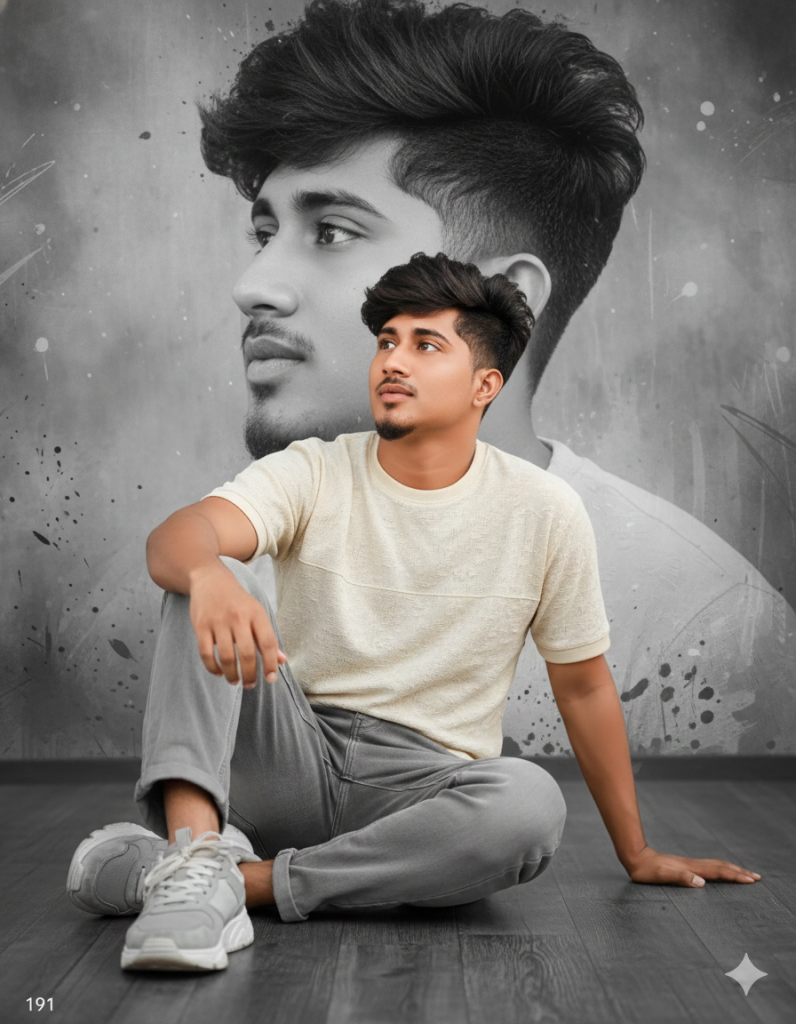 PROMPT
Hi Gemini edit this prompt without changing the face, turning it into an artistic portrait. The Boy should be elegantly seated on the floor, wearing a modern block top, soft loose gray jeans, and chanky grey and white sneakers. His facial expression is Normal while look upwards. 191 the background should be an artistic monochrome black and white composition featuring a soft close-up side profile of the same.
Adding Depth with Black and White Detail Prompts
Some photos need extra clarity. For detailed enhancement, a prompt like this can be used:
“Enhance this photo into a sharp black and white edit with fine details, crisp textures and balanced midtones.”
Gemini will refine edges, surfaces and patterns to make the picture visually rich.
Creative Black and White Artistic Prompts
Users who want artistic effects can try expressive prompts such as:
“Transform this image into an artistic black and white photo with moody lighting, expressive shadows and a dramatic storytelling style.”
This creates an AI-generated interpretation that focuses more on emotion than accuracy.
Why Prompt Wording Matters
The wording of the prompt directly influences the final result. Descriptive terms like high contrast, matte finish, grainy texture or cinematic lighting act as instructions for Gemini. The more you specify the style, mood and intensity, the better Gemini understands the desired outcome. A vague prompt gives simple results, while a detailed prompt produces a professional-quality photo. Google Gemini makes black and white photo editing simple through well-crafted prompts. Whether your goal is a dramatic portrait, a soft landscape or a vintage artistic look, the right prompt can transform your image instantly. Understanding tone, contrast and texture helps you get the perfect monochrome output every time. With the right words, any photo can become an expressive and timeless black and white masterpiece.